Wifi smart bulbs are changing the way we light up our spaces, but you might be wondering how they actually connect to your home network. It’s easier than you think! These bulbs use your existing wifi connection, which means you don’t need any special hubs or additional equipment.
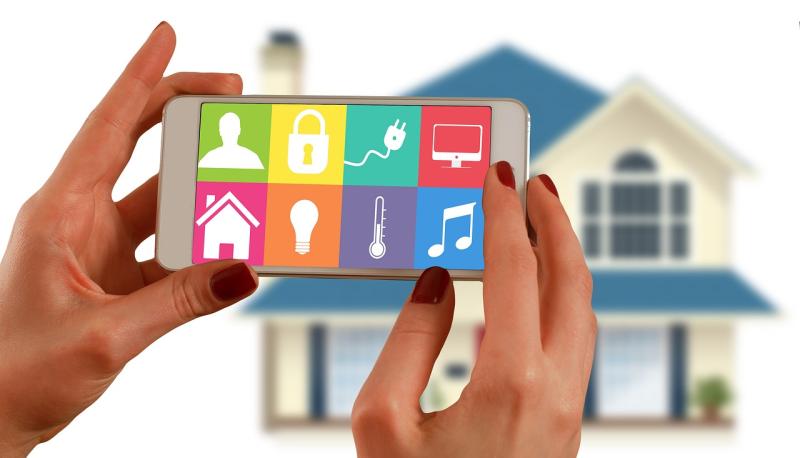
First, when you install a smart bulb, you’ll typically download a corresponding app on your smartphone. This app is your control center. Once you have it set up, it will guide you through connecting the bulb to your wifi network. You’ll enter your wifi password in the app, and the bulb will link up.
After you power on the smart bulb, it enters pairing mode. The app finds the bulb, and in just a few clicks, you're ready to go! Once connected, you can control the bulb through the app, changing brightness, colors, and even setting schedules—all from the comfort of your couch.
Most smart bulbs use Wi-Fi Direct or a similar technology, which allows them to communicate directly with your router. Just keep in mind that a stable internet connection is key for seamless operation, as this is what gives you control over your lighting, whether you're home or away!
Benefits of Using Wifi Smart Bulbs
Wifi smart bulbs offer a ton of benefits that can really enhance your home experience. One of the biggest perks is convenience. Imagine controlling your lights from your phone or tablet – you can easily turn them on or off, dim them, or change colors without having to get up from the couch!
Energy efficiency is another great advantage. These smart bulbs use less energy compared to traditional bulbs, which can help you save on your electricity bill. Plus, many models let you set schedules or timers, ensuring that your lights only run when you need them, further reducing waste.
Overall, Wifi smart bulbs are an awesome addition to any home. They combine flexibility, energy savings, and a touch of modern tech that makes life just a little easier.
Choosing the Right Wifi Smart Bulb
When it comes to picking the right WiFi smart bulb, it can feel a bit overwhelming with all the options out there. But don’t worry, I’ve got your back! Knowing what to look for will help you make a choice that fits your needs perfectly.
First off, consider the brightness. Smart bulbs usually list their brightness in lumens. If you want a cozy atmosphere, look for something around 800 lumens, which is roughly what a standard 60-watt incandescent bulb offers. If you're after more light, go for bulbs with higher lumens.
Next up is color options. Some bulbs only shine in white light, while others can change colors! If you want to set the mood for movie night with soft reds or blues, color-changing bulbs might be the way to go. Just think about how you plan to use them and choose accordingly.
Also, think about compatibility. Make sure the smart bulb you choose works with your existing smart home setup, like Alexa or Google Assistant. A bulb that plays well with others will boost your smart home experience, making things easier for you.
Lastly, check out the energy efficiency. Many smart bulbs use LED technology, which is great for saving energy and reducing your electricity bill. It’s a win-win! So, take your time and weigh your options, and you'll find the perfect smart bulb in no time!
Tips for Easy Installation and Setup
Getting your WiFi smart bulbs up and running doesn’t have to be a hassle. Here are some easy tips to help you install and set them up without breaking a sweat!
1. Choose the Right Location:
Before installation, think about where you want your bulbs. They should be in areas with good WiFi coverage to ensure a strong connection. Rooms where you spend a lot of time, like living rooms or bedrooms, are great choices.
2. Gather Your Tools:
You won’t need a toolbox, but having your smartphone or tablet nearby is essential. Most smart bulbs require an app for setup, so make sure you have it downloaded and ready. Also, check the bulb’s packaging for any special instructions.
3. Follow the App Instructions:
Once your bulb is in place, open the app and follow the on-screen prompts. Typically, you’ll need to connect to your home WiFi and then add the bulb. It’s usually as easy as tapping a few buttons!
4. Test and Enjoy:
After setup, take a moment to test your new smart bulb. Adjust the brightness, change colors, or set it on a schedule. Once you see it working, you’ll be excited to explore all its features.